 SmartTread
Workplan Editor — quick overview
The editor lets you define interval or continuous runs with short text syntax, then save and launch plans in SmartTread.
Step-by-step
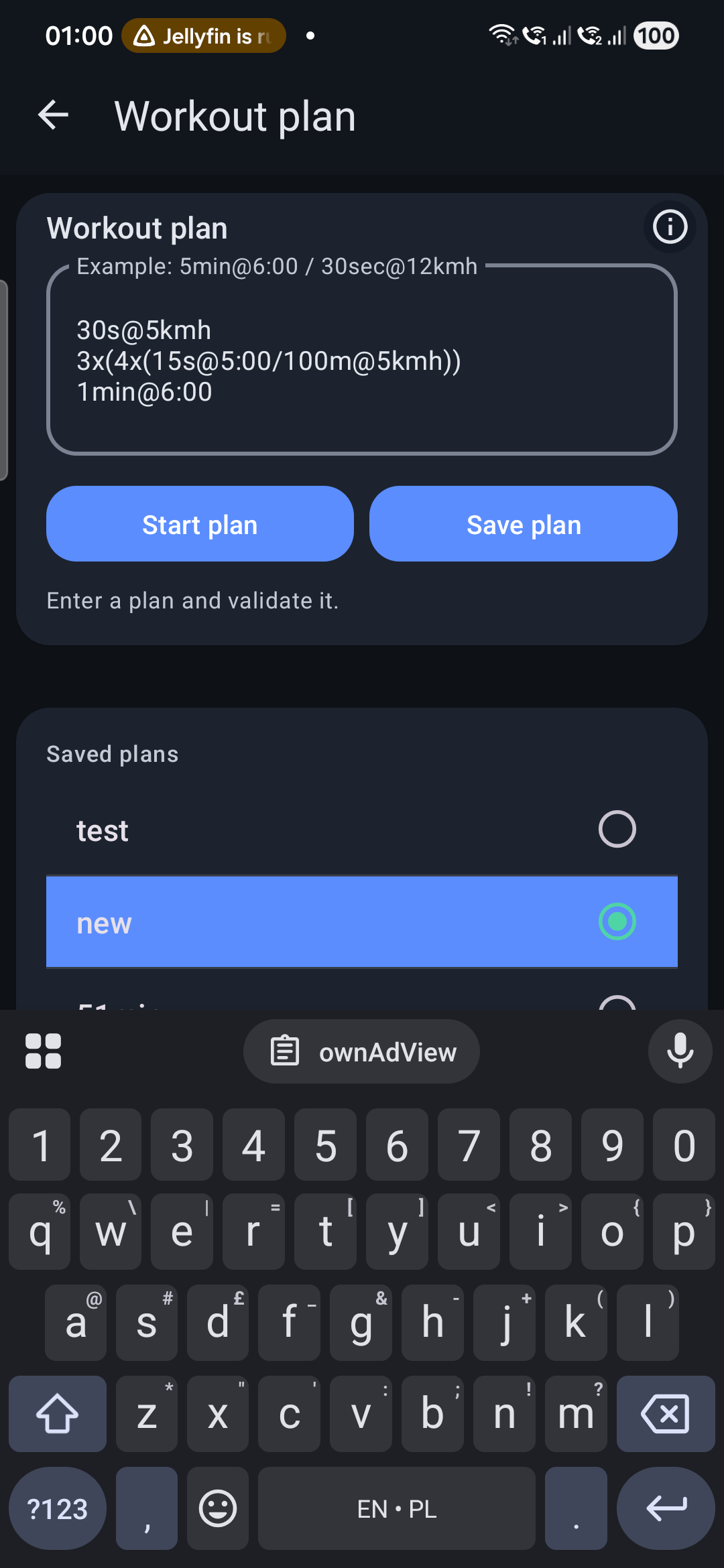
- Open Workout plan in the app.
- Type your plan using duration/distance + target pace/speed.
- Press Save plan to keep it in your saved list.
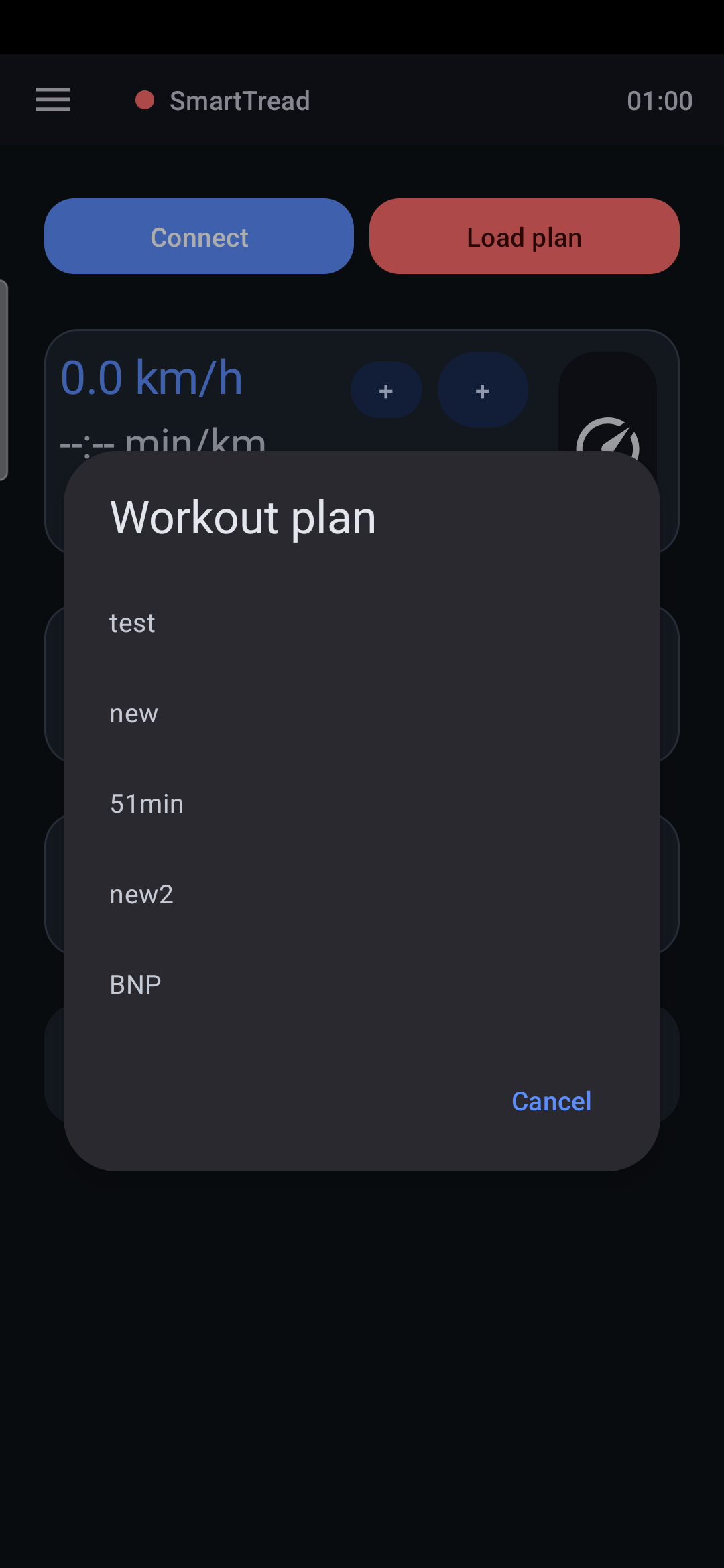
- Use Load plan to restore any saved plan quickly.
- Press Start plan to validate and begin.
Need exact grammar and advanced examples? Open the full help page.
Workplan screens